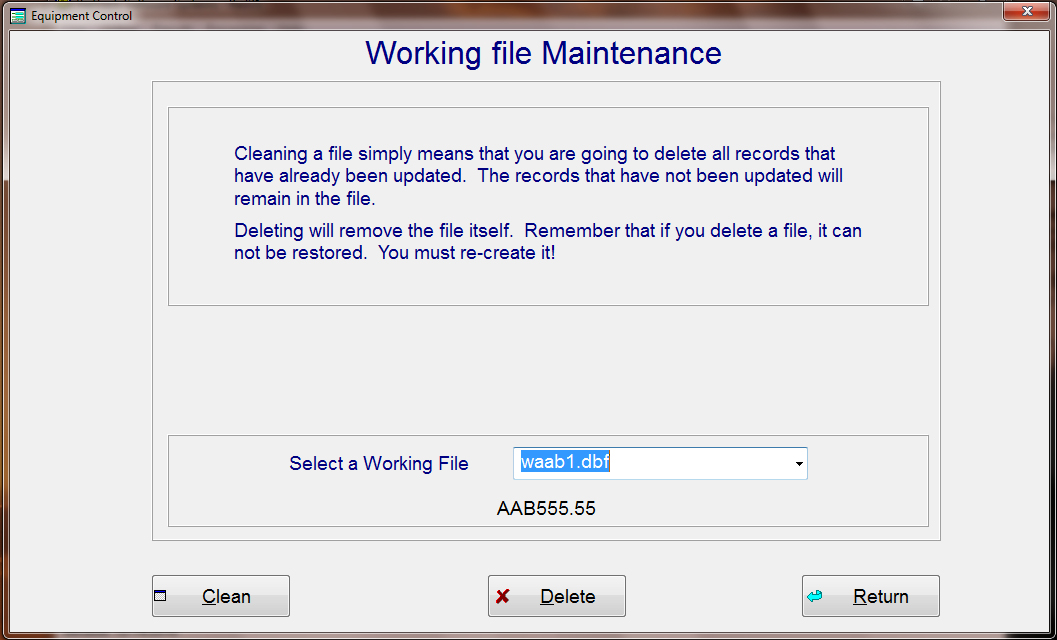
Working file Maintenance: Whenever you update the car file, the records in the working file will remain for your viewing only. You can not change or edit anything in a record that has already been updated. At some time you may want to either delete the working file or erase all the updated records. This can be done by going to the Working file Maintenance screen as shown below.
Select the working file you want to perform maintenance on, then press either "Clean", (To erase only the updated records), or "Delete", (To delete the working file all together). If you decide at a latter date to recreate this working file, then the new working file will have the exact same name, including the sequence number.