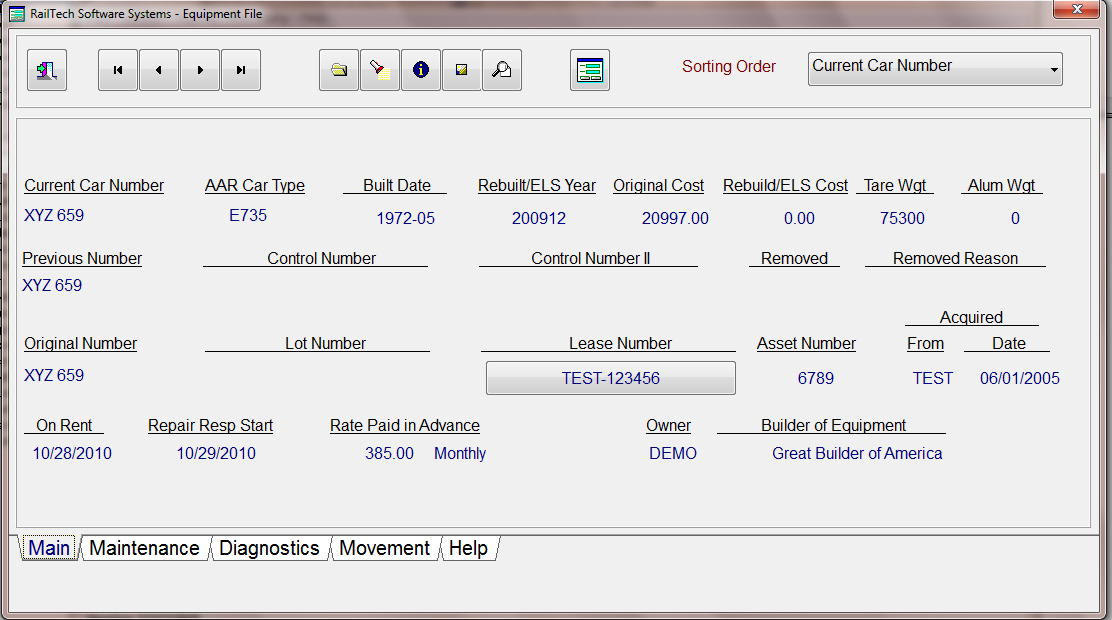
When you view the equipment file by selecting File, Equipment, View from the main menu, you will see almost all the information that you need on a car.
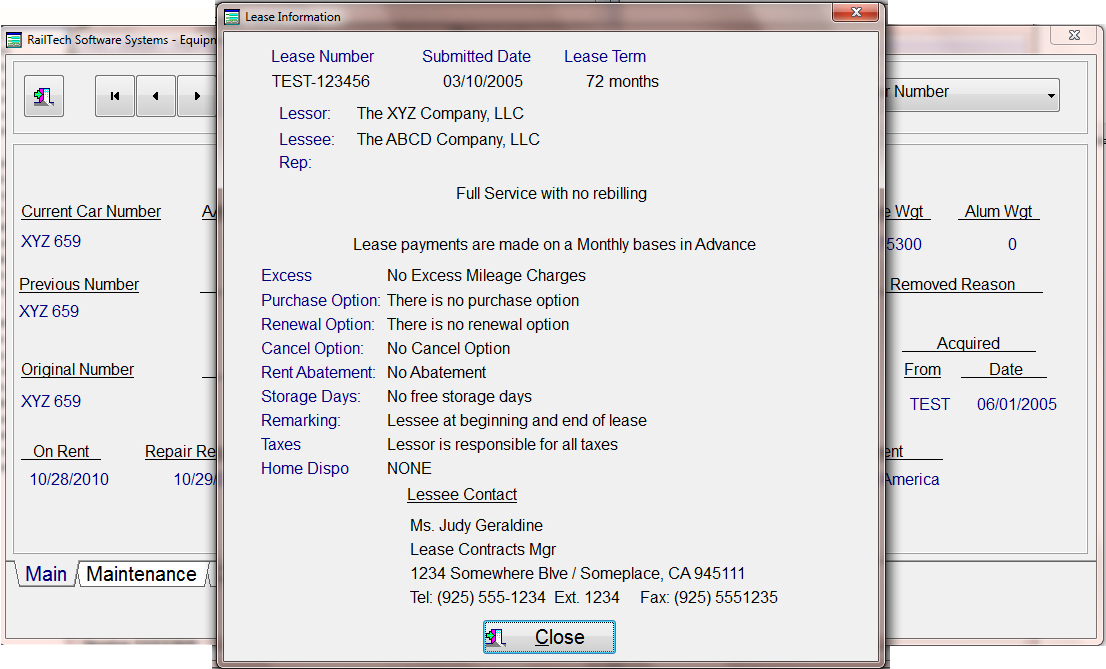
If you press the push button with the lease number on it, the above screen appears showing you a summary of what the lease pertains.

If you press the top push button for the picture of the car, a picture of the car appears. If you did not import a picture, than a generic picture of the car based on the AAR Car Type will appear.
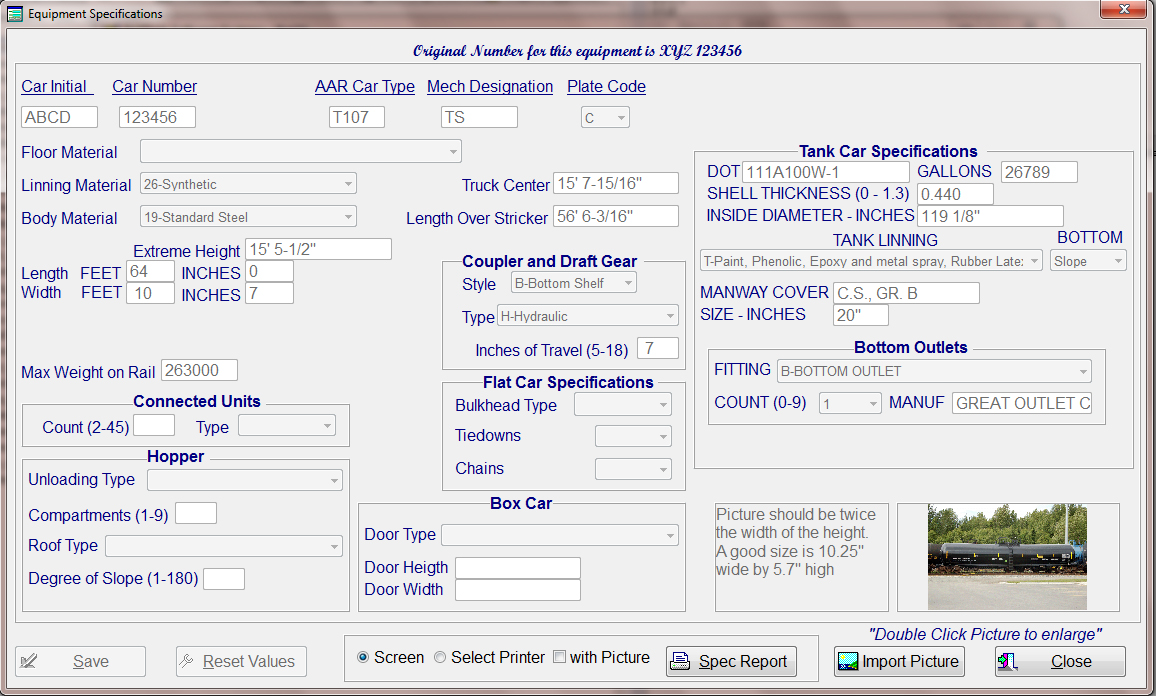
If you press the top push button for the car specifications, the above screen appears.
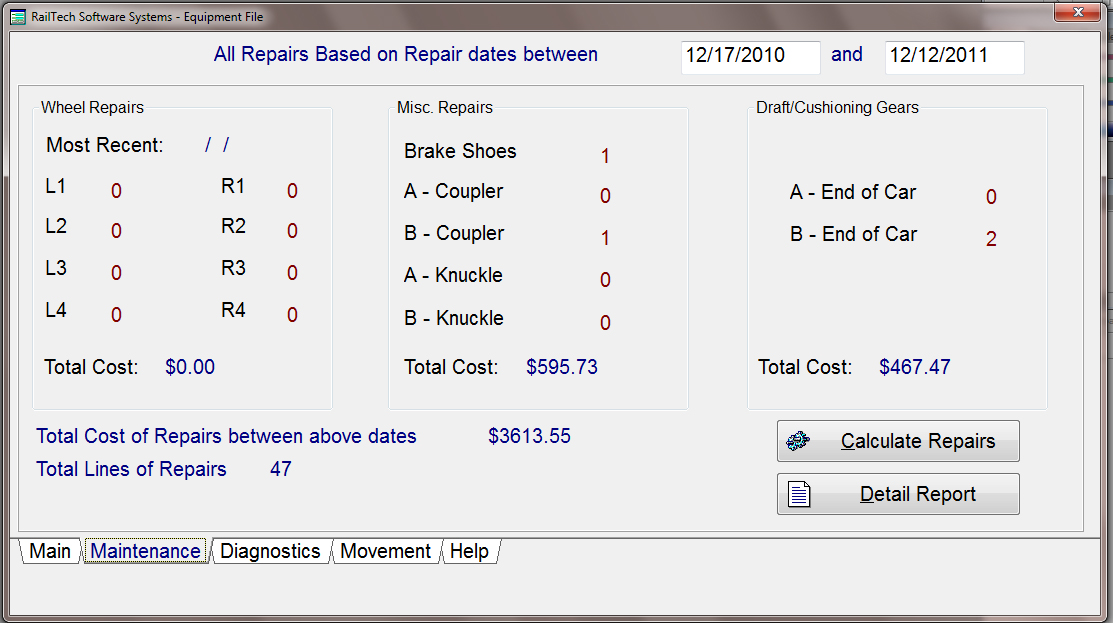
The above screen is for looking at the history of repairs on the car within the last 12 months. The total amount of money is for all repairs with a little more detail on specific items of repair such as wheels and coupler. If you would like to see the detail repairs on this car, press the push button "Detail Report".
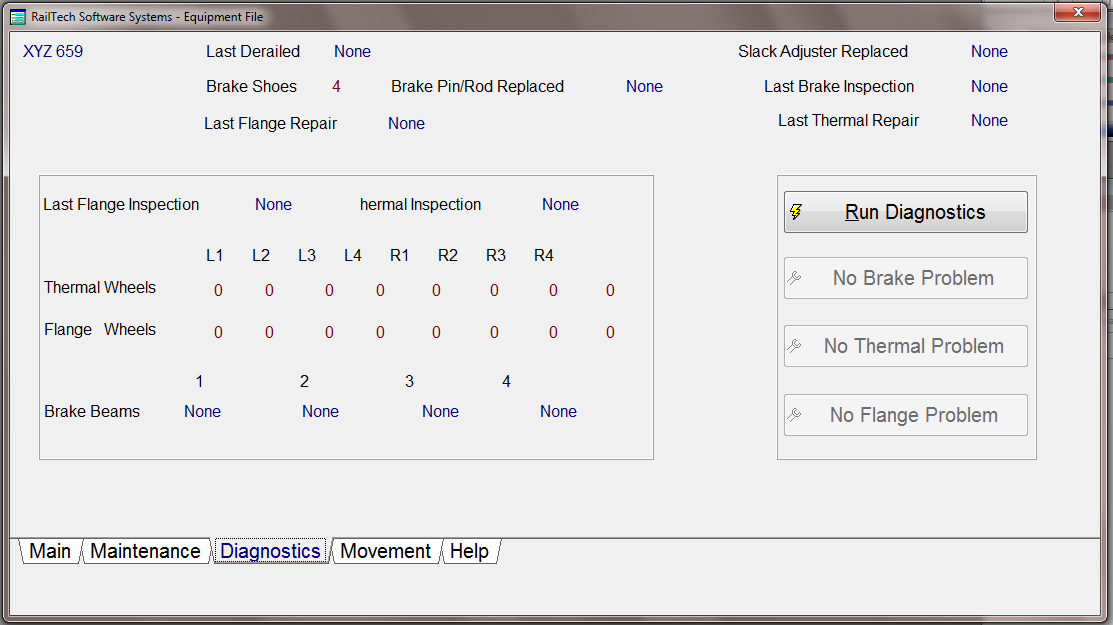
If the repairs you look at appear to be excessive in any way, than you can press the bottom tab for "Diagnostics". Press the "Run Diagnostics" push button and the system will analyse the repairs based on wheels and brakes to determine if this car appears to be a problem car.
If it is a problem car than it will give you some basic information on the screen as to how it determined the problem. The system will than activate the push button which corrosponds with the problem. When you press that push button, the system will inform you on what the system believes is the problem and how to have it fixed.
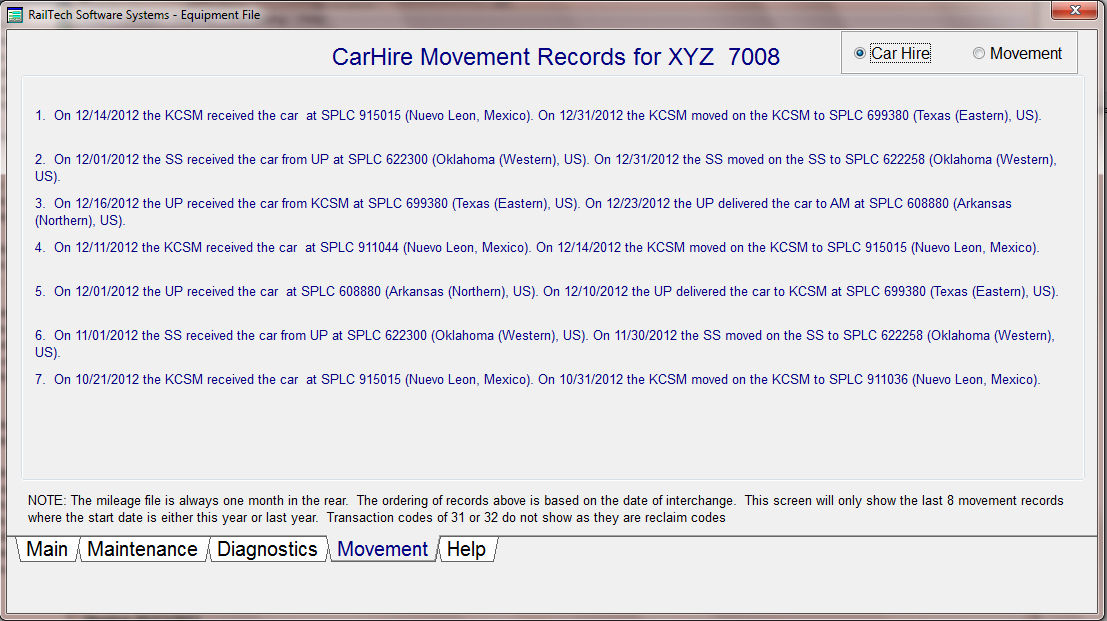
The tab Movement will show you the last 8 moves of the car within the last 12 months when viewing the Car Hire data. If you want to change the viewing from the Car Hire Data to the actual movment data, simply click on the radio button at the top right side of the screen.
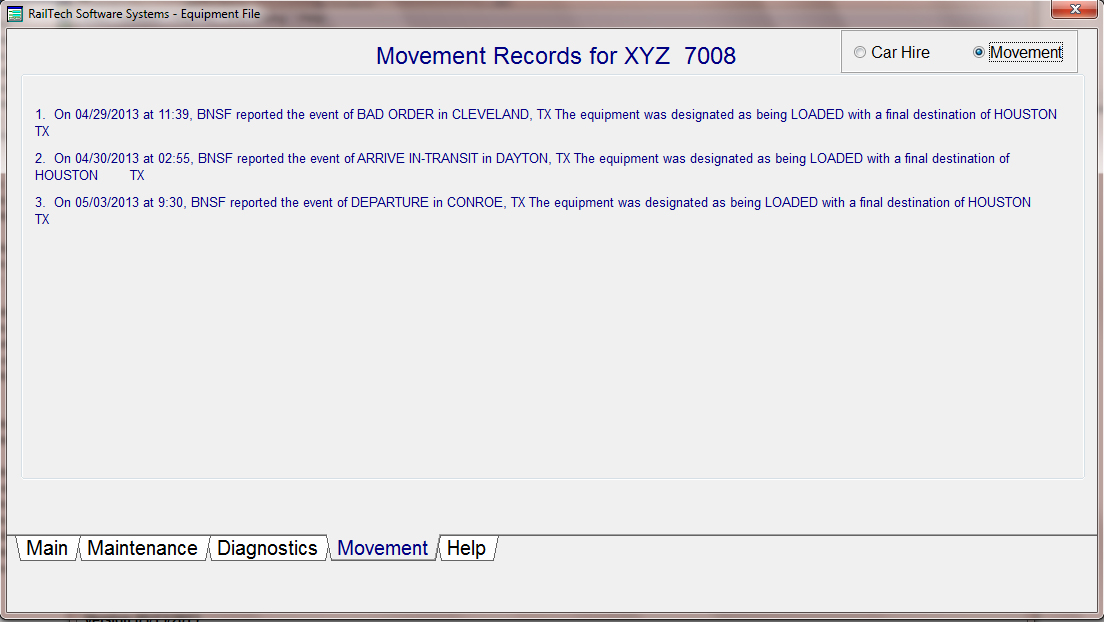
The Car Movement data shows the last 8 moves of the car within the last 12 months. The screen will allow you to toggle between car hire data and car movement data.