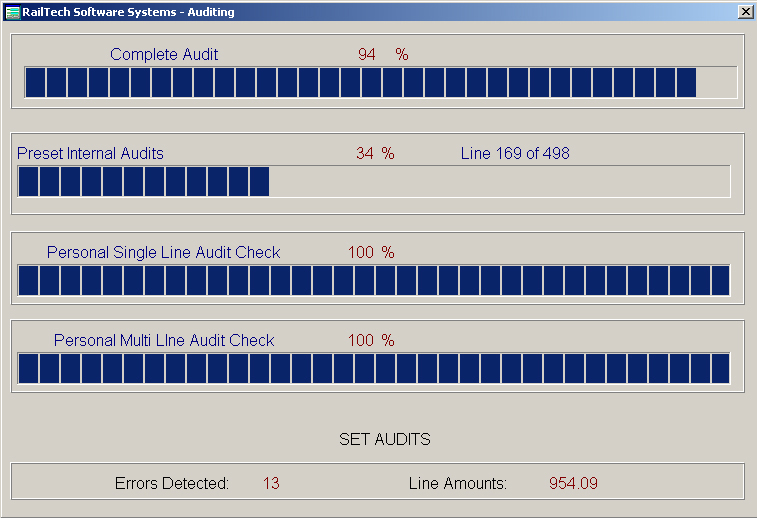
Now that you have completed all the invoice cover sheets, you are ready to perform an audit on the invoices. If there are some invoices that you do not want to audit, then first select Audit, Non-Audit Roads. This is where you enter the initials of the company that you do not want your system to audit. The reason for this selection might be because the company is a shop and shops do not necessarily repair according to the AAR Rules and Regulations and may also charge more then what the AAR allows.
There are some set audits that can not be changed. These audits include if the car is in the car file, if the car was removed from service because it was sold, destroyed or retired and the repair date is after the date removed. Other internal audits consist of validating prices, Section B repairs, proper removed job code for the applied job code and so on.
When the system validates the pricing, it will first look to see which price master currency to used, U.S. or Canadian. It will then determine which price master for the currency based on the repair date. Then if the price is greater then what the price master allows, it will flag that line item as an error indicating what the overage is. The system does not validate undercharges because of shop contracts. However shop prices are also validated based on the shop profile on your system. You can even designate a percentage allowable of over the estimate for each shop file.
Note that while the system is auditing, it displays at the top how long before the audit is completed. It also displays the progress of the Single Line Audit and the Multi Line Audit as well as the System Audits as explained above. When the system has completed the audit, it will then display another screen that will validate if the any of the invoices are currently in any of your repair files. This screen also show a progress bar as it completes the task!
Audits which the user can create; These audits can be single line audits or multi line audits. A single line audit, see picture below, will validate a single line of repair. A multi line audit will compare a line of repair with all other lines for the same car on the same repair date.
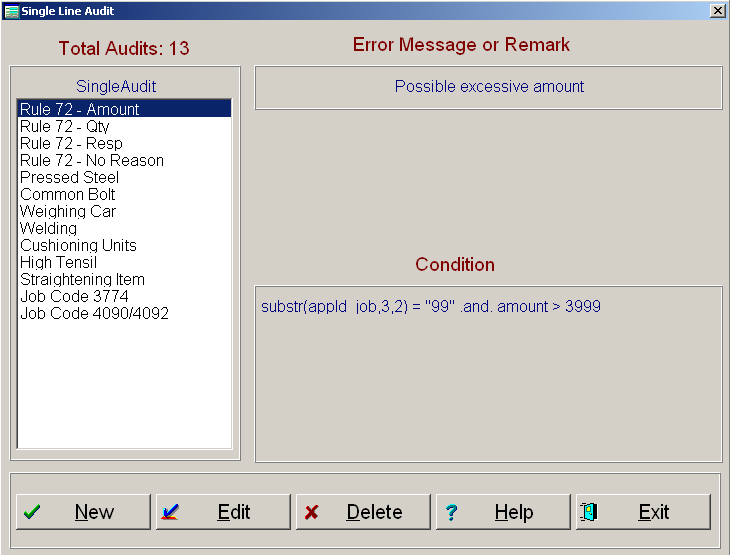
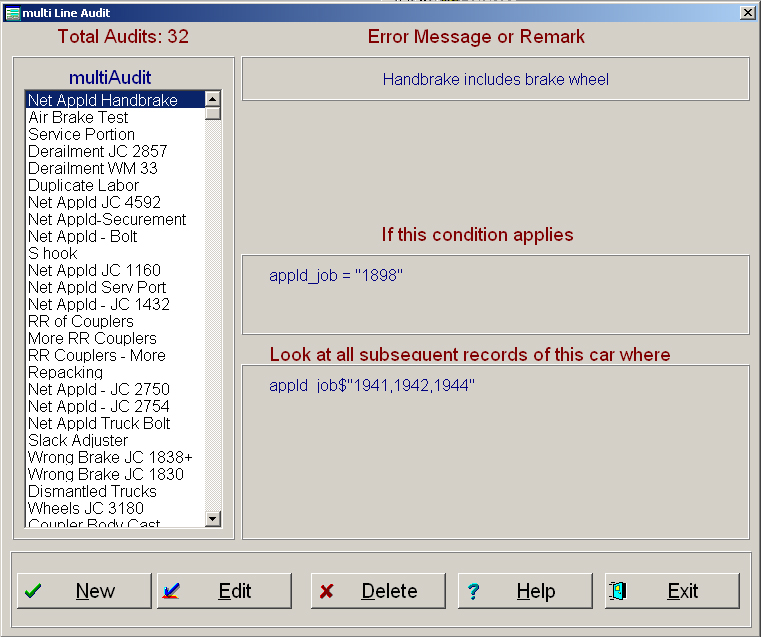
Once all the audits are performed, then the system will move all repair data to the Pre-History file as well as copy all the rebuttal billing records into the Rebuttal file. If during the audit, the system finds that an invoice has already been paid, the system will inform you and move the records only to the suspense file for your review. If, during an audit, the system can not find the company that it is billing in the rolodex file, then that too will be moved to the suspense file.
All errors that have been detected by the system are copied into the Error File. The Error File can be viewed at any time and you can change the automated error description or delete a line of repair all together. After you are satisfied that all the errors are correct, you can then move all errors to the exception file for running exception letters.