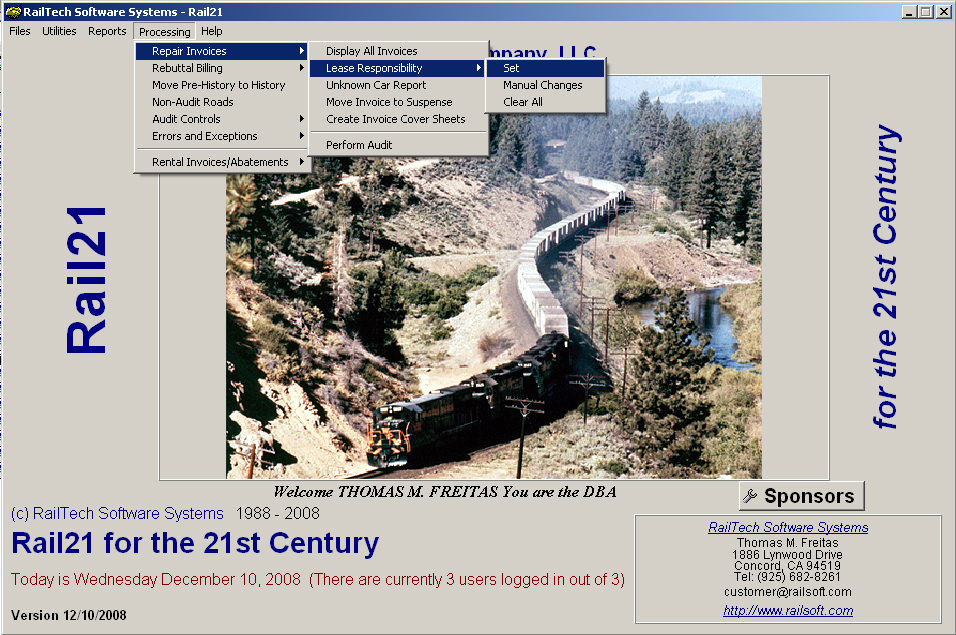
Once you have all the invoices in your pre-audit file, you are ready to assign the repair responsibility. Simply go to Audit, Lease Responsibility, Set ,see below, and the system will validate each line of repair.
Once you have selected the above, the system will look at each car in the car file and determine what lease it is assigned to by comparing the on rent date and the repair date. Once it has determined what lease it is assigned to, it will then look at the rebilling instructions. If the line of repair is the responsibility of a defined repair, then that line if flagged for rebuttal billing. If the line of repair is a defect card, then the defect card initials are flagged as the rebuttal billing company. If the car is not found in the car file, then the system will flagg the car for exception as well as flagg it as UNKNOWN.
The system is designed so that you can not perform an audit or anything else to the pre audit file, until you have assigned lease responsibility.
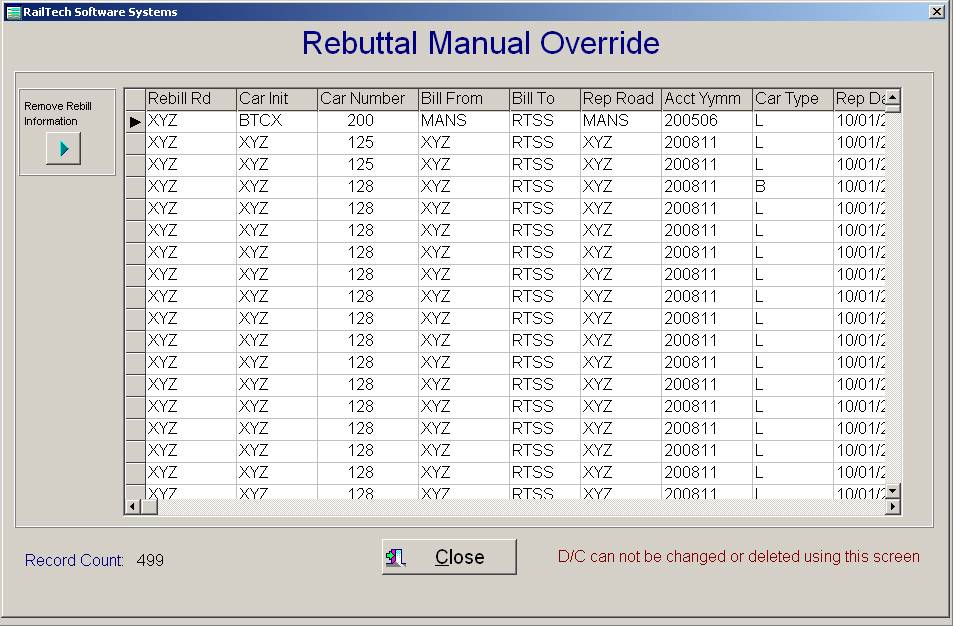
There may be an instance where you might not want to re-bill a company that the lease file states that they are responsible. For instances like that, you can select Manual Changes. The system will allow you to remove any rebill initials or change them another company. The system will not allow you to modify any rebuttal billing that has a responsiblity of 3. If you need to change a defect card initial and/or date, then you need to edit that invoice and change each line according.