Additional Information Screen
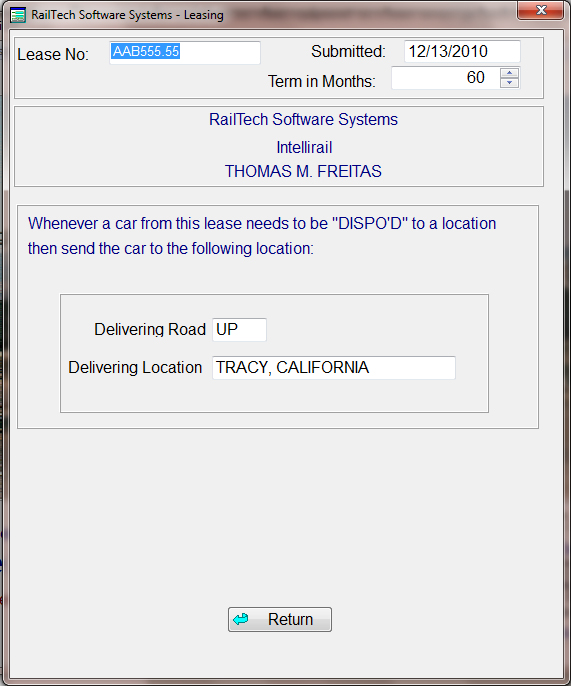
Dispo Instructions: This screen is for assisting you when equipment on a lease aways go back to the same location.
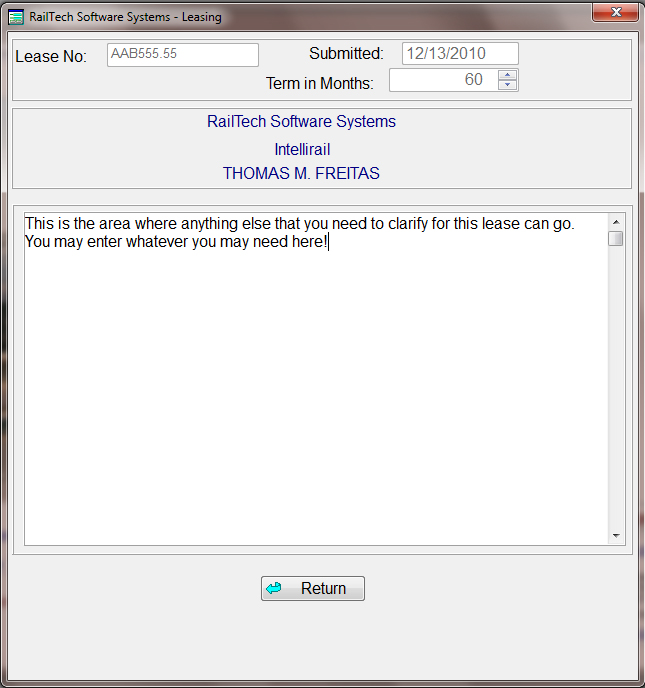
Lease Text: The lease text area is where you might want to add any information that applied to the lease. This area is designed so that you can make it as long or as short as you need. Once all items on the lease have been completed then all you need do is to go bak to the main lease screen and press the "Save" push button. The system will then validate all entered information. If there are any errors, then the system will inform you of the errors that need to be corrected before any data is saved. WARNING: Remember that the data will not be saved until you have pressed the "Save" push button and no errors were detected. The system will let you know when it has saved the information.
Additional Information Screen