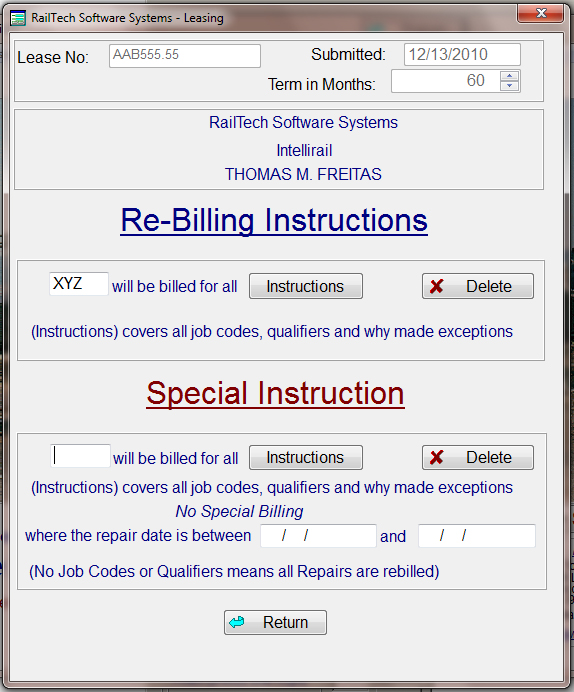
Define Repairs Selection Screen
Rebuttal Instructions: After you have set up the first page of the Lease Screen, you may wnat to go to the Re-Billing Screen. If the Lease is a "Net Lease", the system will automatically insert the Lessee's initials for re-billing.
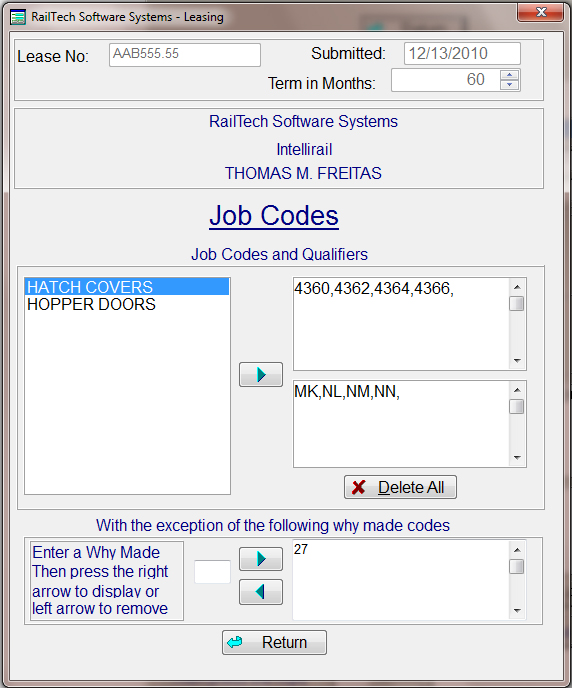
If this is a "Full Service Lease", and a portion of the repairs are re-billable, then you will need to select from the Defined Repairs, which repairs are to be rebilled. (Defined Repairs will be explained later)
This screen will also allow you to exclude any specific why made codes from the Defined Repairs. This part of the lease file will work with either a Net Lease or a Full Service Lease. There is even a section for Special Re-Billing Instructions, which allows you to over ride the Re-Billing Instruction when conditions meet the requirements between two specific dates.
Define Repairs Selection Screen