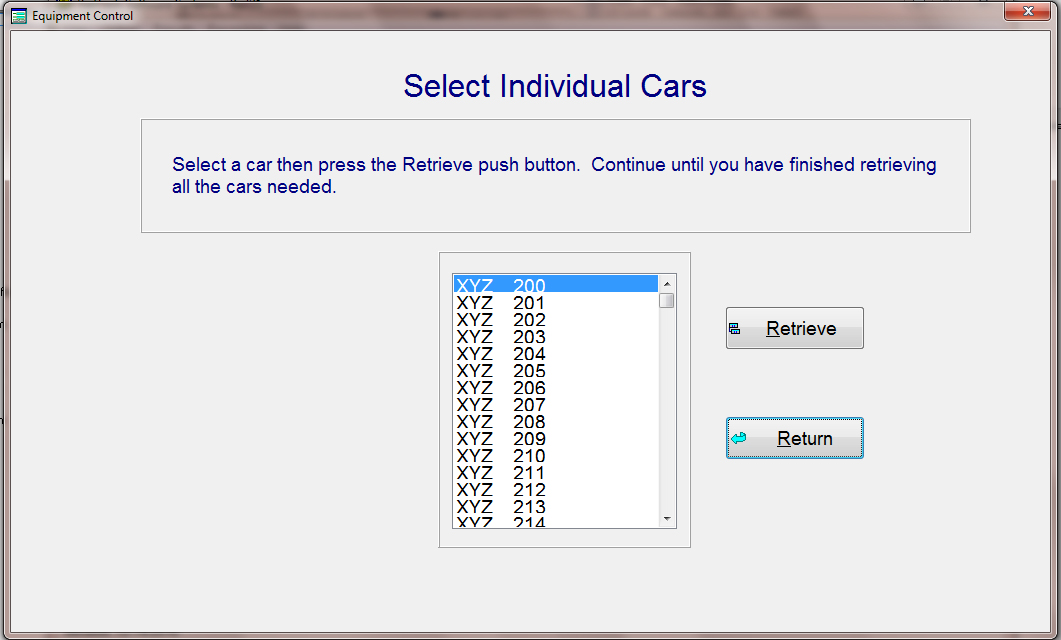
Update the Equipment File: When you have made some changes to a working file and you want to update that file, select "UPDATE" from the main menu and the update screen below will appear. This will only update the records in the working file that you select, and only those records that you have flagged for updating. Select the working file that you want to update the car file with, then press "UPDATE". The system will validated all your entries and update the car file with only those that pass the validation. Those that have errors will be flagged as errors for your correcting.