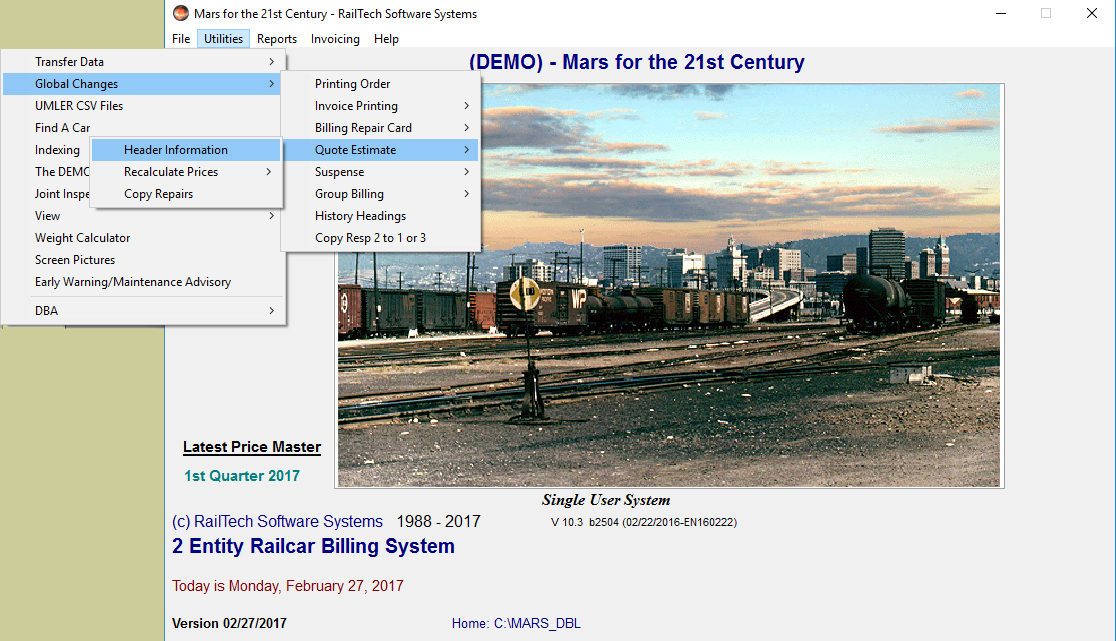
This selection under "Utilities" allows you make global changes to a billing repair card or a quote estimate. You are able to change the header information or Recalcuate Charges.
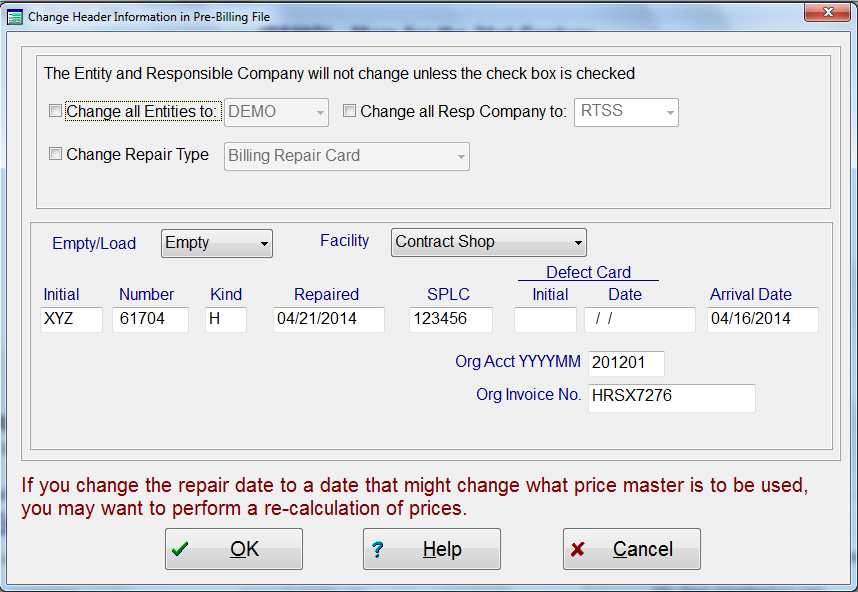
The check boxes for changing certain data on a billing repair card are because a billing repair card may have multiple selection for each check box. You can have many customers on one billing repair card as well as different types of repairs, such as Defect Card and Billing Repair Card. If you change one of these items, then all records will reflect that change. If the check box is not checked, then the items stay as they are.

Recalculate Charges This selection will bring up all the cars in the billing repair card or quote/estimate file. Select the desired car and the recalulating screen will appear with the selected car. See Recalculate for detail information.