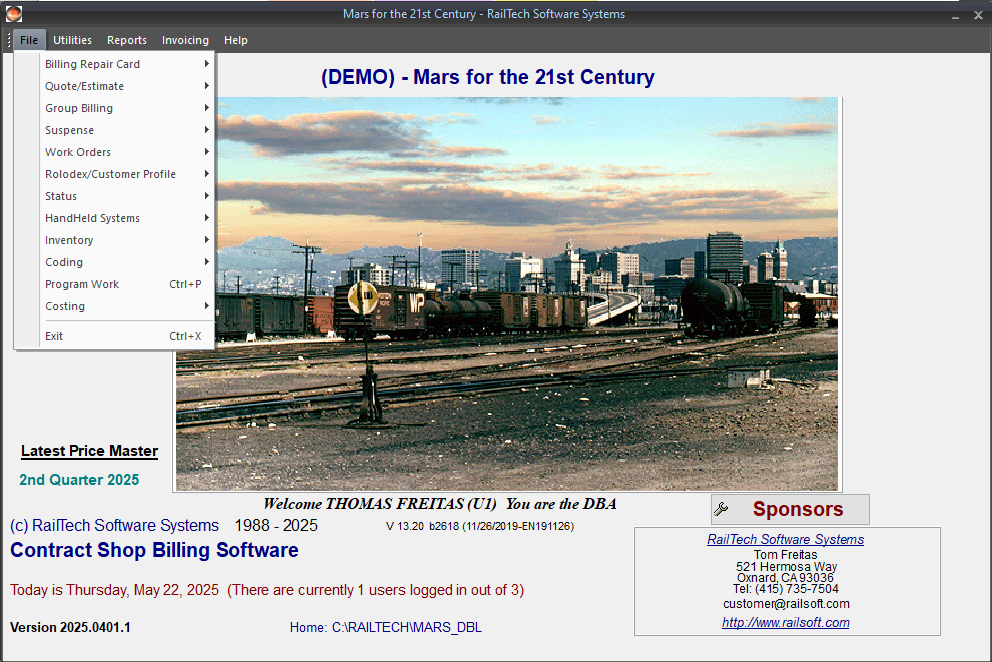
There are five selections from the main screen; Files, Utilities, Reports,Invoicing and Help. When making a selection, a drop down list
will appear. Some selections will expand into other selections. Example: Billing Repair Card will expand into;
Create
Edit
Delete
Create:
A blank billing repair card screen will appear.
Delete:
A screen will appear showing all the cars with repair dates that are in the select file.
Select a car, press the OK push button and the system will ask you to verify that you want to delete this billing repair card or
quote/estimate. If you select Yes, then the entire billing repair card or quote/estimate is deleted.
This tour will guide you along the process of creating a billing repair card to creating invoices and data exchange files in multiple formats. The report selection on the left has a few reports that were generated by this system.