
1886 Lynwood Drive/Concord, CA 94519
Telephone: (415) 735-7504
Defining a Range of Values

If you have selected "in the range" or "not in the range" to define a range of
comparison values you will be given two entry areas to enter the FROM and
TO values that will determine the end points of the range.  You use the same
format for each endpoint as you would enter a single value comparison of that
same data type.
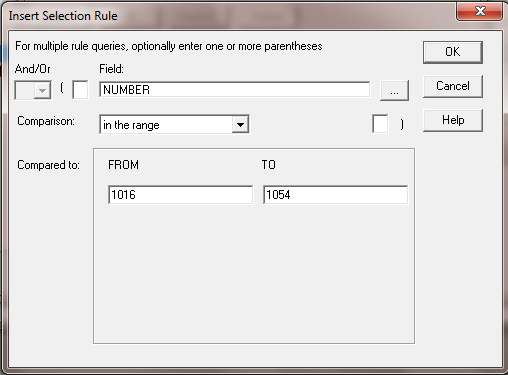
Figure 12.4

If the FROM value is greater then the TO value, the system will return a
"Range out of order" error and will not allow you to proceed.